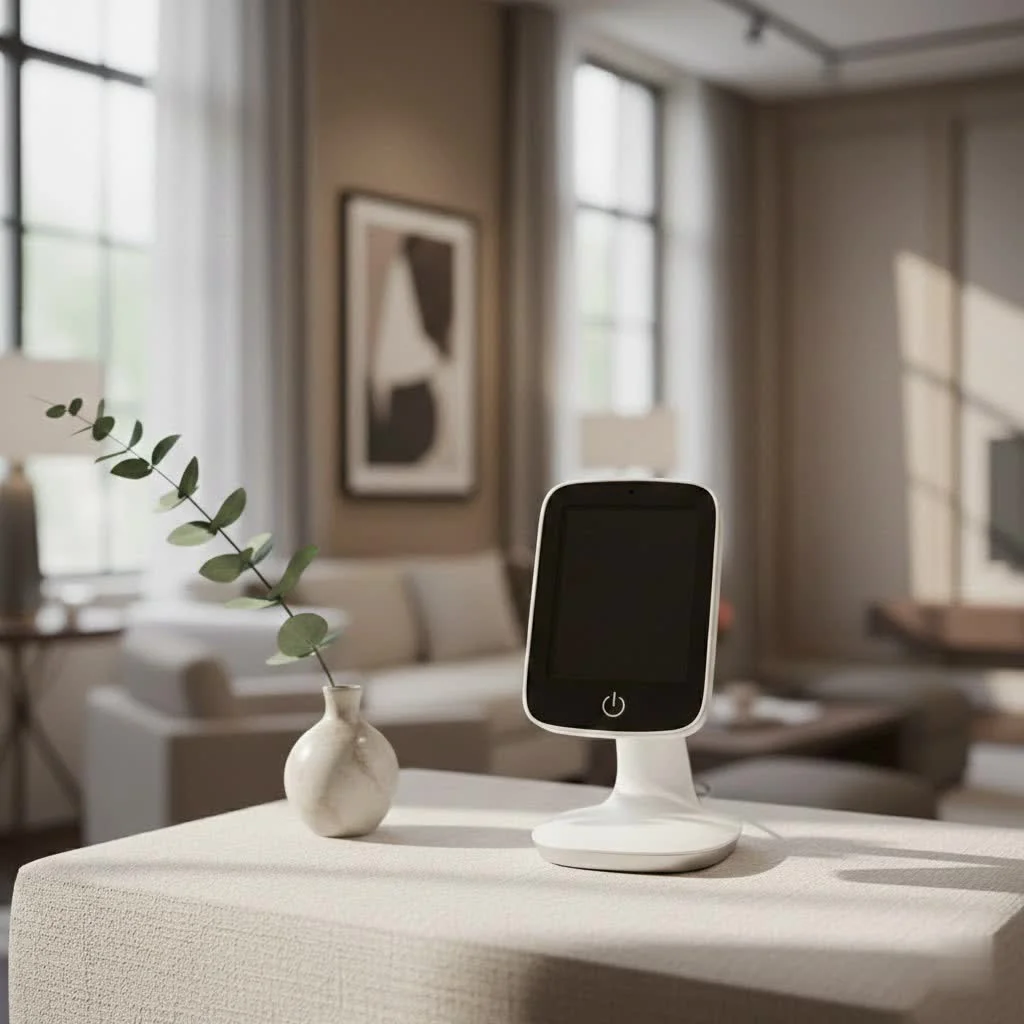
The Nanit App is a comprehensive baby monitoring platform that provides real-time video, advanced sleep tracking, breathing motion alerts, and growth monitoring, offering parents unparalleled insight and reassurance. It transforms raw data into actionable insights, helping to improve a child’s health and development. With over a decade of innovation in baby monitoring, the Nanit App stands out as an indispensable tool for modern families seeking to keep their little ones safe and sound.
What Makes the Nanit App Stand Out?
At its core, the Nanit App provides a crystal-clear, high-definition view of your baby, day or night. But it’s the intelligent design and integration of advanced features that truly differentiate it. Imagine being able to check on your sleeping infant with a simple tap, seeing every peaceful breath and movement without disturbing them. That’s the immediate reassurance the Nanit App delivers, offering real-time video streaming with impressive clarity, even in low light conditions. The two-way audio feature is a blessing, allowing you to soothe your baby with your voice from another room or gently communicate with a caregiver. Plus, the ability to listen in on background audio means you can continue with your daily tasks while still being attuned to every coo or cry.
Beyond Basic Monitoring: Advanced Features of the Nanit App
The true power of the Nanit App lies in its ability to go beyond simple observation, transforming raw data into actionable insights that can genuinely improve your child’s health and development.
Revolutionizing Sleep Tracking with Nanit Insights
One of the most celebrated features of the Nanit App is its sophisticated sleep tracking capabilities, powered by Nanit Insights. This isn’t just about recording when your baby sleeps; it’s about understanding how they sleep. The app automatically captures and analyzes your baby’s sleep patterns, providing detailed sleep summaries, complete with total sleep time, number of wake-ups, and even parental visits. It then translates this data into a personalized “sleep score” and offers tailored tips and guidance to help improve your baby’s sleep hygiene. For new parents grappling with inconsistent sleep schedules, these insights are invaluable, helping you identify trends and make informed adjustments.
The Power of Breathing Wear and Movement Monitoring
Safety is always a top priority, and Nanit addresses this with its innovative Breathing Wear. When paired with the Nanit camera, the app monitors your baby’s breathing motion in real-time, sending alerts to your phone if there’s any deviation from their typical pattern. This patented technology provides an extra layer of confidence, allowing parents to rest a little easier knowing their baby’s breathing is being continuously tracked. The app displays a live stream of their breathing patterns, offering a visual confirmation that everything is okay.
Tracking Growth and Development Right from Your Phone
|
Our Picks for the Best Baby Monitor in 2026
As an Amazon Associate I earn from qualifying purchases.
|
||
| Num | Product | Action |
|---|---|---|
| 1 | Baby Monitor with Camera and Audio, Video Baby Monitor No WiFi Night Vision 2.4\" LCD Screen Portable Baby Camera Monitor Alarm Lullaby Temperature Sensor and 1000ft, Ideal for Baby/Elderly/Pet |

|
| 2 | HelloBaby 4.3\'\' Video Baby Monitor with 30 Hours Battery, Remote Pan-Tilt-Zoom Baby Monitor No WiFi, Baby Monitor with Camera and Audio, Night Vision, ECO Mode, Two-way Talk, 8 Lullabies, 1000ft Range |
|
| 3 | HelloBaby Baby Monitor 6\" World First IPS Screen 30H Battery, Secure No WiFi, Pan Tilt Video Camera with Night Vision, VOX, 2-Way Talk, 1000ft, Portable Video Audio Monitor Ideal for Mom, Elderly, Pet |
|
| 4 | HelloBaby Upgrade 5’’ Baby Monitor with 30-Hour Battery, 2 Cameras Pan-Tilt-Zoom, 1000ft Range Video Audio Baby Monitor No WiFi, VOX, Night Vision, 2-Way Talk, 8 Lullabies and Temperature |
|
| 5 | Jartoo 2K 5.5\" Video Baby Monitor with Camera and Audio,AI Cry Detect 1860ft Long Range Baby Monitor No WiFi Baby Camera Wireless,Clear Night Vision,ANC, 2-Way Talk,White Noise,6000mAh [2025 New] |
|
| 6 | Baby Car Camera for Kids - 5\" 1080P IPS Suction Cup Monitor, 120° Wide-Angle & 360° Rotatable, IR Night Vision Easy Installation Backseat |
|
| 7 | HelloBaby 6\'\' World First IPS 30H Battery Split-Screen Video Baby Monitor with Camera and Audio, No WiFi, Pan-Tilt-Zoom, VOX, 2-Way Talk, Night Vision, 8 Lullabies, 1000ft, for New Parents/Elderly |
|
| 8 | HelloBaby No WiFi Baby Monitor 5\" Screen 30-Hour Battery Pan-Tilt-Zoom Video Upgrade with Camera and Audio, Night Vision, VOX, 2-Way Talk, 8 Lullabies and 1000ft Range, HB6550 |
|
| 9 | VTech Upgraded Audio Baby Monitor with Rechargeable Battery, Long Range, and Crystal-Clear Sound |
|
| 10 | VTech VM819 Baby Monitor with Camera and Audio, 2.8” Screen Portable Baby Camera, Night Vision, 2-Way Audio, Temperature Sensor and Lullabies, Secure Transmission No WiFi, Ideal for Baby/Elderly/Pet |
|
The Nanit App isn’t just for current monitoring; it also helps you track your baby’s growth journey. Using the camera’s unique overhead view, the app can measure your baby’s height and track their growth progress over time, storing this information securely. This digital baby book provides a wonderful way to look back at milestones and share precious moments with family. It’s truly remarkable how one app can encompass so many vital aspects of infant care.
Secure Sharing and Multi-User Access
Parenting is a team effort, and the Nanit App acknowledges this by allowing secure sharing of access with family members or trusted caregivers. You can invite multiple users to view the live feed, access sleep data, or receive alerts, all with customizable permissions. This ensures everyone involved in your child’s care is always on the same page, offering peace of mind whether you’re at work or enjoying a much-needed date night.
Getting Started: Setting Up and Navigating Your Nanit App
Setting up your Nanit App is designed to be straightforward, getting you connected to your baby faster. Here’s a quick rundown:
- Download and Install: First, download the Nanit App from your device’s app store (available for iOS and Android).
- Create an Account: Follow the prompts to create your personal Nanit account. This will be your hub for all things Nanit.
- Pair Your Camera: The app will guide you through connecting your Nanit camera to your home Wi-Fi network and then pairing it with your account. Ensure your camera is plugged in and ready.
- Position Your Camera: Place your Nanit camera according to the instructions – usually directly above the crib for optimal viewing and tracking.
- Start Monitoring: Once paired, your live feed will appear, and you can begin exploring all the features the Nanit App has to offer.
Navigating the app is intuitive. The main screen typically shows your live video feed. Tabs or menus at the bottom or side of the screen allow you to access sleep insights, breathing motion data, settings, and manage multiple cameras if you have them.
Troubleshooting Common Nanit App Questions
Even with the most advanced technology, occasional hiccups can occur. Here are answers to some common issues users encounter with the Nanit App:
Connectivity Issues?
If your Nanit App isn’t connecting to the camera or showing a live feed, first check your Wi-Fi connection. Ensure your router is working and the camera is within range. Sometimes, simply restarting your router and the Nanit camera can resolve the issue. If problems persist, check the Nanit support section for specific troubleshooting steps for your camera model.
App Not Recording Sleep Data?
If your Nanit App isn’t recording sleep data, ensure your camera is positioned correctly and has a clear view of the entire crib mattress. Make sure the room lighting isn’t overly bright or too dark in a way that interferes with the camera’s sensors. Also, confirm that your Nanit Insights subscription is active and that your app is updated to the latest version. Calibration through the app can sometimes help as well.
Choosing Your Nanit Ecosystem: Which Monitor Works Best with the App?
The Nanit App is the brain behind the entire Nanit system, working seamlessly with various Nanit camera models. The Nanit Pro Camera is the flagship, offering the most comprehensive features including HD video, sleep tracking, breathing motion monitoring with Breathing Wear, and growth tracking. Other Nanit products, like the Nanit Sound and Light Machine, also integrate with the app, allowing you to control sounds and light settings directly from your phone, creating the perfect nursery environment. When choosing your Nanit monitor, consider which features are most important to you, knowing that the app will tie everything together for a unified, intelligent parenting experience.
“The Nanit App isn’t just a window into your baby’s room; it’s a powerful data hub that empowers parents with knowledge,” states Dr. Eleanor Vance, a child development specialist and long-time advocate for smart parenting solutions. “Understanding sleep patterns and having real-time alerts for breathing motion can significantly reduce parental anxiety and contribute to a more confident parenting journey.”
Conclusion
In the demanding journey of parenthood, tools that offer genuine support are invaluable. The Nanit App goes far beyond conventional baby monitors, providing a comprehensive, intelligent platform that brings peace of mind and empowers parents with unprecedented insights into their baby’s sleep, breathing, and growth. From its crystal-clear video feed and two-way audio to its revolutionary sleep tracking and secure data sharing, the Nanit App is a shows how technology can enhance care and create a more confident, connected parenting experience. Embrace the future of baby monitoring and discover the difference a truly smart app can make in your family’s life.
Frequently Asked Questions
Can I access my Nanit App from anywhere in the world?
Yes, you can access your Nanit App from anywhere globally, provided your phone has an internet connection (Wi-Fi or cellular data) and your Nanit camera is connected to your home Wi-Fi network. This allows for remote viewing and access to all app features.
Is the Nanit App secure for monitoring my baby's data?
Absolutely, the Nanit App prioritizes security by employing bank-level encryption and secure protocols. This ensures that your data and video feed are protected, and only authorized users can access your baby's information, maintaining privacy and peace of mind.
Do I need a subscription to use all features of the Nanit App?
The basic live viewing and two-way audio features of the Nanit App are available for free. However, advanced functionalities such as detailed sleep tracking, video history, and personalized insights typically require a Nanit Insights subscription to unlock their full potential.
Can multiple family members use the Nanit App simultaneously?
Yes, the Nanit App supports multi-user access, allowing you to invite multiple family members or trusted caregivers. Each invited user can have customizable permissions, ensuring everyone involved in your child's care stays connected and informed about their well-being.
What happens to the Nanit App if my home internet connection fails?
If your home internet connection goes down, the Nanit App will not be able to stream video remotely or send alerts to your phone. However, some Nanit camera models offer a local viewing mode, providing limited functionality via a direct connection if you are in the same room as the camera.
How do I ensure my Nanit App is always up to date?
You can update the Nanit App directly through your device's app store, either the Apple App Store for iOS or Google Play Store for Android. For the best experience and access to the latest features, it is recommended to enable automatic updates for the app.
Setting Up Your Nanit App
Follow these steps to quickly set up your Nanit App and connect to your baby monitor for comprehensive tracking and peace of mind.
First, download the Nanit App from your device's app store, available for both iOS and Android. Ensure you have a stable internet connection for the download.
Follow the on-screen prompts within the app to create your personal Nanit account. This account will serve as your central hub for all Nanit-related features and data.
The app will guide you through connecting your Nanit camera to your home Wi-Fi network and then pairing it with your newly created account. Make sure your camera is plugged in and powered on before starting this step.
Place your Nanit camera according to the provided instructions, typically directly above the crib. Proper positioning is crucial for optimal viewing, sleep tracking, and breathing motion monitoring.
Once successfully paired and positioned, your live video feed will appear in the app. You can now explore all the features the Nanit App offers, from real-time video to sleep insights.
Smart home that does not lock you in
Free PDF — protocol compatibility matrix for 30 hubs and devices.
I’ve been using the Nanit App for about six months now, and it’s truly a game-changer. The real-time video is incredibly clear, even at night, and the breathing motion alerts give me such peace of mind. It’s amazing how much data it collects and how easy it is to understand my baby’s sleep patterns. Definitely recommend it for any new parent.
I was really excited about the advanced sleep tracking, but I’ve found it to be a bit inconsistent at times. While the HD view is great, I sometimes get notifications about movement when my baby is clearly still asleep, which can be a bit jarring. It’s good, but I was hoping for a bit more accuracy with the sleep insights.
The Nanit App has been a solid addition to our nursery. I really appreciate the growth monitoring feature; it’s neat to see how everything tracks over time. My only minor complaint is that sometimes the app can be a little slow to load when I first open it, but once it’s up, it works perfectly. Still, it’s a fantastic tool for keeping an eye on our little one.
This app is a lifesaver! The actionable insights it provides from all the data are incredibly helpful. I love being able to see trends in my baby’s sleep and development, which has helped us establish a much better routine. It truly transforms raw data into something useful for parents.