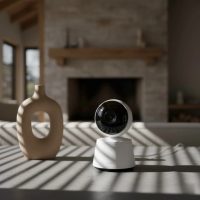
Welcoming a little one into your life is an incredible journey filled with joy, wonder, and, let’s be honest, a good dose of worry! As a seasoned expert in baby monitoring technology, I understand that yearning for peace of mind. That’s where a reliable baby monitor comes in, and for many parents, an eufy monitor has become synonymous with trust and advanced care. These monitors have carved out a significant space in the market, celebrated for their blend of security, crystal-clear visuals, and intuitive features. But with a range of models, how do you pick the one that truly fits your family’s unique needs? Let’s dive in and demystify the world of eufy baby monitors.
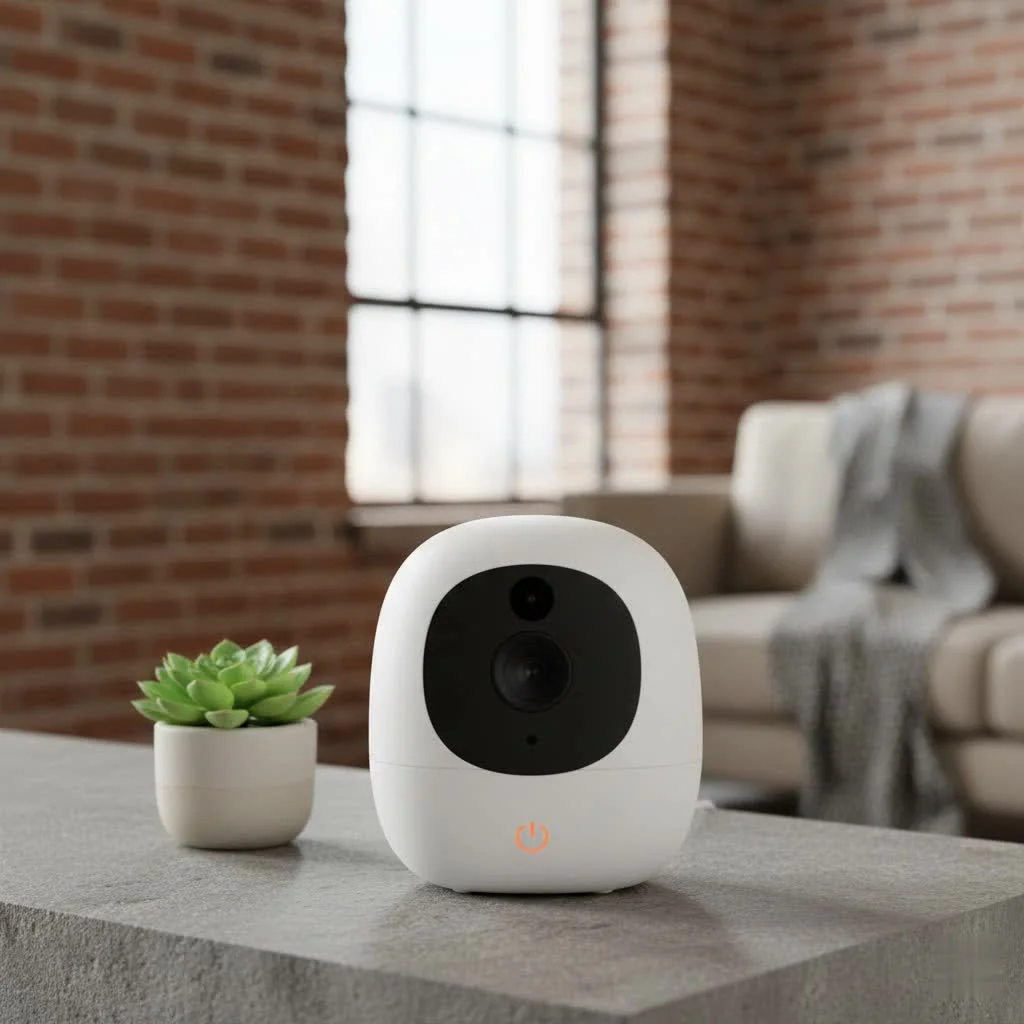
Why Parents Love Eufy Monitors: Key Features & Benefits
Eufy monitors aren’t just gadgets; they’re your extra set of eyes and ears, designed to make parenting a little easier and a lot more reassuring. They’ve earned their reputation by focusing on what truly matters to families.
Crystal-Clear Vision, Day and Night
What’s the point of a monitor if you can’t see your baby clearly? Eufy understands this. Their monitors, such as the popular SpaceView series and newer E210 models, offer impressive HD video quality, typically at 720p, with some advanced models boasting up to 2K resolution. This ensures you catch every little yawn, wiggle, and peaceful sleep expression. When the lights go out, their sharp night vision kicks in, providing a clear black-and-white feed without disturbing your little one. Many eufy monitors also come with a wide-angle lens, or offer pan and tilt functionality (often 330° pan and 110° tilt), allowing you to survey the entire nursery from floor to ceiling without missing a beat.
Unwavering Security: Wi-Fi vs. Non-Wi-Fi Options
One of the biggest concerns for parents is the security of their baby monitor. Eufy addresses this head-on by offering both non-Wi-Fi and Wi-Fi-connected solutions. Their non-Wi-Fi monitors, like the SpaceView and E210, utilize Frequency Hopping Spread Spectrum (FHSS) technology, which creates a secure, local connection between the camera and the parent unit. This means your baby’s feed stays private, transmitted only within your home, without relying on internet access or cloud storage, significantly reducing the risk of unauthorized access. For those who prefer remote access, eufy also offers Wi-Fi-enabled monitors that connect to a dedicated app, providing flexibility without compromising essential security protocols. Some newer models even feature “hybrid monitoring,” offering both a dedicated parent unit and optional app connectivity.
Beyond the Basics: Smart Features for Modern Parenting
|
Our Picks for the Best Baby Monitor in 2026
As an Amazon Associate I earn from qualifying purchases.
|
||
| Num | Product | Action |
|---|---|---|
| 1 | HelloBaby 4.3\'\' Video Baby Monitor with 30 Hours Battery, Remote Pan-Tilt-Zoom Baby Monitor No WiFi, Baby Monitor with Camera and Audio, Night Vision, ECO Mode, Two-way Talk, 8 Lullabies, 1000ft Range |

|
| 2 | Baby Monitor with Camera and Audio, Video Baby Monitor No WiFi Night Vision 2.4\" LCD Screen Portable Baby Camera Monitor Alarm Lullaby Temperature Sensor and 1000ft, Ideal for Baby/Elderly/Pet |
|
| 3 | HelloBaby Baby Monitor 6\" World First IPS Screen 30H Battery, Secure No WiFi, Pan Tilt Video Camera with Night Vision, VOX, 2-Way Talk, 1000ft, Portable Video Audio Monitor Ideal for Mom, Elderly, Pet |
|
| 4 | HelloBaby No WiFi Baby Monitor 5\" Screen 30-Hour Battery Pan-Tilt-Zoom Video Upgrade with Camera and Audio, Night Vision, VOX, 2-Way Talk, 8 Lullabies and 1000ft Range, HB6550 |
|
| 5 | HelloBaby 6\'\' World First IPS 30H Battery Split-Screen Video Baby Monitor with Camera and Audio, No WiFi, Pan-Tilt-Zoom, VOX, 2-Way Talk, Night Vision, 8 Lullabies, 1000ft, for New Parents/Elderly |
|
| 6 | VTech Upgraded Audio Baby Monitor with Rechargeable Battery, Long Range, and Crystal-Clear Sound |
|
| 7 | VTech VM819 Baby Monitor with Camera and Audio, 2.8” Screen Portable Baby Camera, Night Vision, 2-Way Audio, Temperature Sensor and Lullabies, Secure Transmission No WiFi, Ideal for Baby/Elderly/Pet |
|
| 8 | Baby Car Camera for Kids - 5\" 1080P IPS Suction Cup Monitor, 120° Wide-Angle & 360° Rotatable, IR Night Vision Easy Installation Backseat |
|
| 9 | Jartoo 2K 5.5\" Video Baby Monitor with Camera and Audio,AI Cry Detect 1860ft Long Range Baby Monitor No WiFi Baby Camera Wireless,Clear Night Vision,ANC, 2-Way Talk,White Noise,6000mAh [2025 New] |
|
| 10 | HelloBaby Upgrade 5’’ Baby Monitor with 30-Hour Battery, 2 Cameras Pan-Tilt-Zoom, 1000ft Range Video Audio Baby Monitor No WiFi, VOX, Night Vision, 2-Way Talk, 8 Lullabies and Temperature |
|
Eufy monitors are packed with thoughtful features designed to enhance your monitoring experience:
- Two-Way Audio: Hear your baby’s cries and soothe them with your voice directly through the monitor. This can be a lifesaver for reassuring a slightly stirring baby without needing to enter the room.
- Temperature Sensor: Keep an eye on the nursery’s climate to ensure it’s always comfortable for your baby.
- Lullabies and White Noise: Many models include built-in lullabies and white noise options to help your little one drift off to sleep.
- Active Noise Reduction (ANR): Featured in newer models like the Eufy E20, ANR filters out ambient background noises such as fans or sound machines, ensuring you only hear the important sounds from your baby.
- Impressive Battery Life: Eufy monitors are known for their extended battery performance. For example, the SpaceView Pro can last up to 12 hours in video mode and 30 hours in audio-only mode, while the E210 boasts up to 30 hours in default mode. This means less worrying about constant recharging and more freedom to move around your home.
- Sound-Activated Alerts: Customize sensitivity levels to get alerts only when significant sounds are detected, preventing unnecessary disturbances.
Expandability for Growing Families
Have twins or planning for another child? Many eufy monitor systems are expandable, allowing you to connect up to four cameras to a single parent unit. This means you can easily switch between different rooms or keep an eye on multiple children simultaneously, making the eufy monitor a scalable solution for your evolving family needs.
Which Eufy Monitor is Right for Your Family? A Look at Popular Models
Eufy offers a diverse lineup, each with distinct advantages. Understanding the differences between popular models can help you make an informed choice.
Eufy SpaceView Series (SpaceView, SpaceView Pro, SpaceView S)
The SpaceView series put eufy on the map as a leading baby monitor brand. These are primarily non-Wi-Fi, 720p video monitors with a dedicated 5-inch parent unit.
- Eufy SpaceView: The original workhorse, offering reliable 720p video, night vision, two-way audio, and often includes a wide-angle lens. Some users noted the kickstand and antenna could be fragile.
- Eufy SpaceView Pro: An upgrade focusing on durability and battery life. It often features a sturdier, antenna-free design with a larger battery, providing longer monitoring times. However, some versions might not include the wide-angle lens.
- Eufy SpaceView S: Often considered a direct upgrade to the regular SpaceView, frequently bundled with a crib mount for easier installation.
Eufy E210/E20 and Wi-Fi Baby Monitor
These newer models represent eufy’s evolution, offering enhanced resolution and connectivity options.
- Eufy Baby Monitor E210/E20: These models often feature a 2K resolution camera, offering even greater detail. A standout feature is “hybrid monitoring,” providing both a dedicated 720p parent unit with a 1,000 ft range and optional Wi-Fi connectivity for app-based monitoring from anywhere. They also boast active noise reduction and robust battery life.
- Eufy Wi-Fi Baby Monitor: For parents who primarily prefer smartphone monitoring, eufy offers dedicated Wi-Fi cameras with 2K resolution, pan/tilt/zoom, and app-driven features like continuous noise level and room temperature alerts.
Specialized Eufy Monitors
While less common, some specialized eufy monitors exist, like the Eufy S340, which functions as a full-service monitor offering video, sound, and even vital tracking through a monitoring sock. These are geared towards parents seeking the most comprehensive monitoring solutions.
Setting Up Your Eufy Monitor for Optimal Performance
Getting your eufy monitor up and running is typically a straightforward process, but a few tips can ensure you get the best performance.
Placement is Key
How far should a baby monitor be from a baby? The recommended safe distance between a baby monitor camera and the baby’s crib or sleeping area is at least 6 feet (1.8 meters). This ensures a clear view while keeping the monitor out of harm’s way and allowing the microphone to pick up sounds effectively. Mount the camera securely on a wall or place it on a stable surface with a clear line of sight to the crib.
Powering Up and Pairing
Most eufy monitors are designed for “plug and play” convenience. Simply plug in the camera and the parent unit. The units are usually pre-paired, or pairing involves a simple button press on both devices. For Wi-Fi or hybrid models, you’ll need to download the Eufy Baby app and follow the on-screen prompts to set up your account and connect your device.
Navigating the Parent Unit
The dedicated parent unit of an eufy monitor features intuitive buttons for essential functions like volume control, pan/tilt/zoom, and two-way talk. A menu button typically grants access to settings like screen brightness, sound sensitivity, and adding additional cameras. Familiarize yourself with these controls to quickly adapt to your baby’s needs.
Common Questions & Troubleshooting Tips for Your Eufy Monitor
Even the best technology can sometimes have hiccups. Here are answers to common questions and quick troubleshooting tips:
My Eufy monitor isn’t connecting, what should I do?
If your eufy monitor loses signal, check the distance between the camera and the parent unit. Ensure there are no major obstructions like thick walls or large appliances interfering with the signal. For non-Wi-Fi models, the range is typically up to 1,000 feet in an open area, but it can be reduced indoors. If the issue persists, try re-pairing the camera and monitor unit, or check for potential interference from other electronic devices.
How long does the Eufy monitor battery last?
Battery life varies by model and usage. As noted, the SpaceView Pro can offer 12 hours of video and 30 hours of audio monitoring, while the E210 can last up to 30 hours in default mode. To maximize battery life, consider using the audio-only mode when video isn’t constantly needed, or adjust screen sleep settings. Plugging the monitor in overnight ensures it’s ready for the next day.
Is my Eufy monitor truly secure from hackers?
Yes, eufy prioritizes security. Non-Wi-Fi models using FHSS technology are inherently more secure against external hacking attempts as they don’t transmit data over the internet. For Wi-Fi-enabled or hybrid eufy monitor systems, ensure you use strong, unique passwords for your home Wi-Fi and the Eufy Baby app, and keep the device firmware updated. Eufy also offers features like a privacy switch to physically cut off Wi-Fi on some models, providing an extra layer of peace of mind.
Why is the night vision on my Eufy monitor blurry?
Night vision quality can sometimes be affected by camera placement, ambient light sources, or the monitor’s resolution. Ensure the camera lens is clean and there are no direct light sources (like a nightlight) too close to the lens, which can cause glare. While eufy’s night vision is generally good, remember that 720p resolution in low light won’t be as sharp as daytime 2K video.
Can I add more cameras to my Eufy monitor system?
Absolutely! Many eufy monitor systems are designed to be expandable, allowing you to connect up to four cameras to a single parent unit. This is ideal for monitoring multiple children or different areas of the nursery. Refer to your specific model’s manual for instructions on adding cameras.
“As a parent myself, I’ve seen firsthand how a reliable baby monitor transforms daily life. Eufy monitors stand out by blending robust security with user-friendly features, giving parents the clarity and peace of mind they truly need,” says Sarah Chen, a child safety technology specialist and content creator for Wocrt.com.
Conclusion
Choosing the right eufy monitor means investing in more than just a device; it’s investing in reassurance and the ability to stay connected to your little one. From the secure, local connections of the SpaceView series to the high-resolution, hybrid monitoring of the E20, eufy offers solutions tailored to different parenting styles and needs. By understanding the key features, comparing models, and following simple setup and troubleshooting tips, you can confidently select an eufy monitor that provides the crystal-clear view, dependable audio, and robust security you deserve. Embrace the journey of parenthood with the added comfort of knowing your little one is safe and sound, just a glance away.
Smart home that does not lock you in
Free PDF — protocol compatibility matrix for 30 hubs and devices.